Household management
How to Divide Household Chores Fairly (Without Keeping Score)
A practical, 5-step way to divide household chores fairly between partners and kids: make the invisible work visible, split by ownership, and stop nagging.
Guide
Good household management means every recurring job has an owner, shared costs are tracked so nobody keeps a mental tally, and anyone who helps in the home knows what is expected without being chased. Writing it down in one shared place does most of the work.
List every recurring job, including the planning ones, agree who owns each area from start to finish, and review the split every few weeks. Owning a whole area works better than helping with single tasks.
Give each person a short list of age-appropriate chores with days attached, keep it where everyone can see it, and use reminders instead of nagging. A chore app with repeating tasks stops the chart going stale after a month.
Agree which costs are shared, record them as they happen and settle up regularly. An app that shows a running balance of who owes whom avoids awkward conversations later.
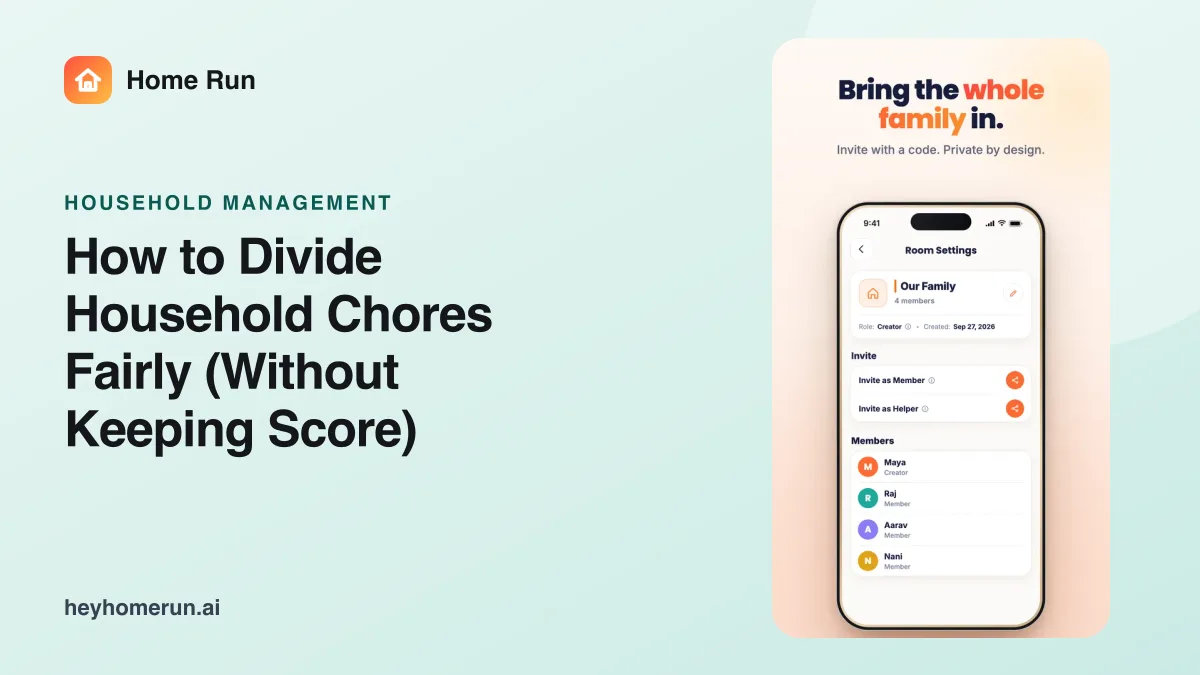
Give them one place to see their tasks, instructions and schedule changes, rather than scattered messages. In Home Run, helpers join only the rooms they work in.
The features for this part of family life, each run by voice or chat.
Fair chores, without keeping score. Assign, repeat and share chores.
Who owes whom? Sorted. Split bills and settle up.
Family conversations that actually stay organized. Chats into decisions and summaries.
See how the invisible work is split and what to hand over first.
Let helpers add to and shop from the same list.
A practical, 5-step way to divide household chores fairly between partners and kids: make the invisible work visible, split by ownership, and stop nagging.
How families with nannies, cooks, and domestic helpers use Home Run to replace endless texting with one shared system for tasks and instructions.
What the mental load is, real examples, and how to share it with your partner so one person stops being the default parent, with a free checklist to start.
How to coordinate nannies, cooks, and house helpers with shared tasks and clear instructions, instead of constant calls and texts.
Shared calendars, school and activities, weekly resets and the mental load.
Weekly meal plans, picky eaters, shared grocery lists and less food waste.
Documents and expiry dates, medical records, prescriptions and emergency information.
What an AI assistant can do for every part of family life.
Free to download, with in-app purchases.
iOS and Android
Download Home Run on iPhone or Android. Set up your private family space in minutes and invite the people who help run your home.