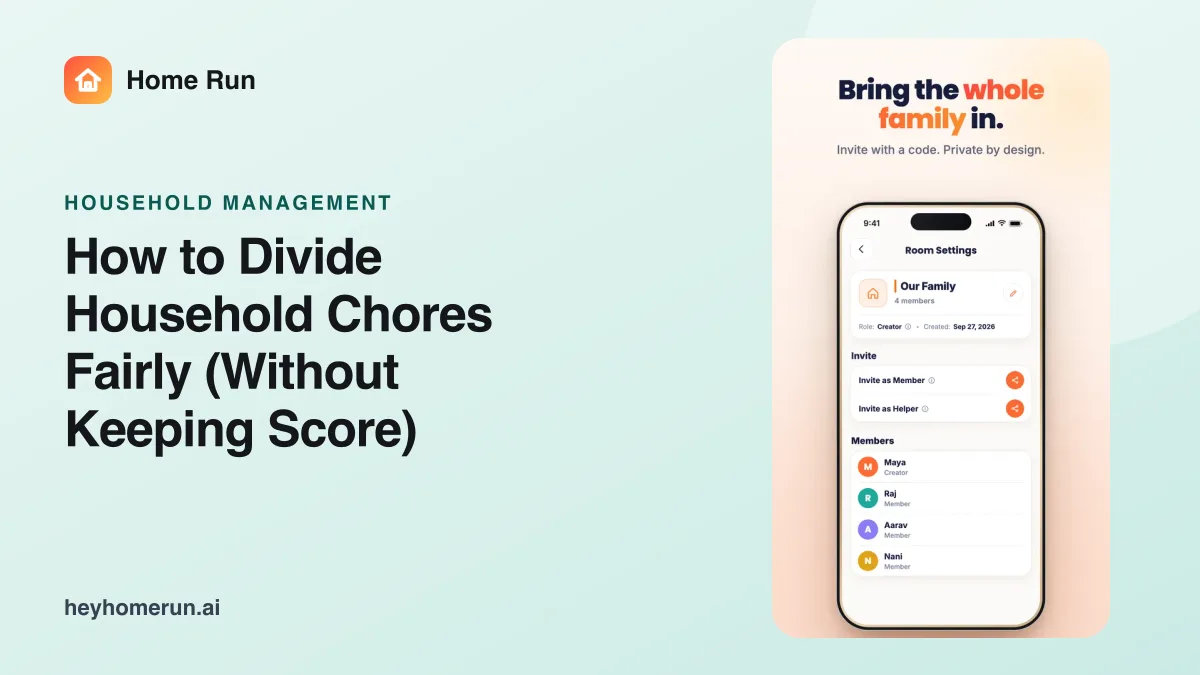
Household management
How to Divide Household Chores Fairly (Without Keeping Score)
A practical, 5-step way to divide household chores fairly between partners and kids: make the invisible work visible, split by ownership, and stop nagging.
Family chores
Assign household chores in a sentence, repeat them automatically, and let reminders do the follow-up, for kids, partners and helpers.
Home Run is a family chores app with an AI assistant built in. Say who should do what, such as "Aarav takes out the bins every Tuesday and Friday", and Home Run creates the chore, assigns it, repeats it on schedule and reminds the right person. Everyone sees what is due and what is done, so chores get shared fairly without one person keeping score or nagging.
ParentAarav takes out the bins every Tuesday and Friday, and Mia feeds the cat every morning.
Home RunDone. Both chores repeat on schedule, and each of them gets a reminder at 7:30 AM on the day.
Home RunThis week Raj has 3 chores and you have 9. Want me to move the laundry and the grocery run to Raj?
The everyday problem
Most families can agree on who should empty the dishwasher. What wears people down is the noticing, the asking, and the third reminder. When one person carries that, chores turn into arguments and a chore chart on the fridge stops working within a month.
The Home Run solution
Home Run turns chores into owned, repeating tasks with gentle reminders, so the plan lives in one shared place instead of one person's head. Everyone sees what is theirs, and the balance of work is visible to the whole family.
Features
Every feature is designed to take the reminding off one person's plate.
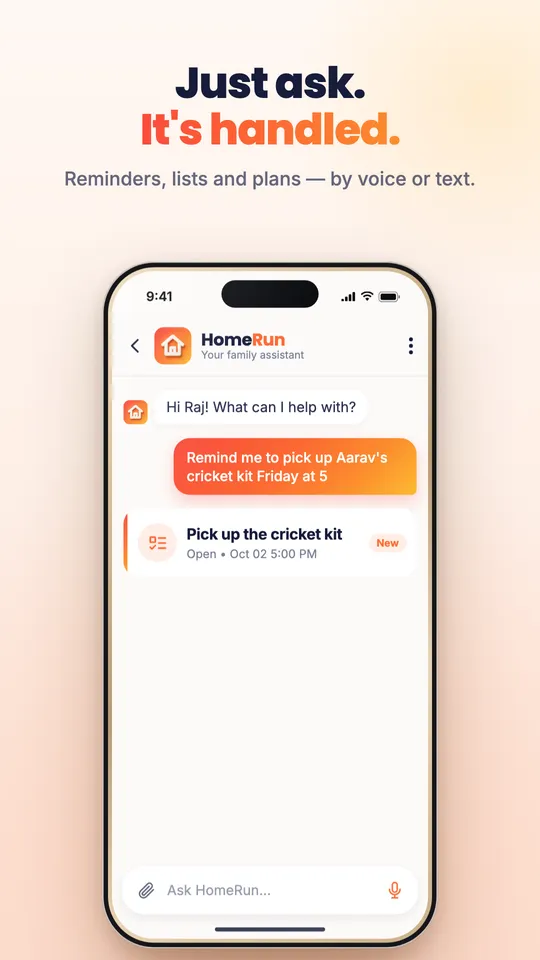
Say who does what and when, and Home Run creates and assigns the chore.
Daily, weekly or every Tuesday and Friday. Chores come back on schedule without anyone re-entering them.
The right person gets a reminder at the right time, so nobody has to ask twice.
Simple daily jobs for kids, bigger responsibilities for teens and partners.
Invite a cleaner, cook or nanny to the rooms they work in, so they see their tasks and nothing else.
See how chores are shared across the family, and rebalance with one request.
How it works
One request sets up the chore, and Home Run keeps it going week after week.
Tell Home Run the chore, who does it and how often.
Home Run creates the chore, assigns the owner and sets the repeat.
The owner gets a reminder on the day, and ticks it off when done.
Everyone sees what is done and what is waiting, so nobody has to chase.
Family coordination
Parents set the plan, partners share the load, kids see a short list of their own, and helpers see the jobs in their rooms.
Sets up the weekly chores once and stops being the one who reminds everyone.
Owns laundry and the grocery run from start to finish, with reminders on his phone.
Sees his three jobs for the week and ticks them off as he goes.
Changing who does what takes one sentence, and the whole family sees the update.
Smart recommendations
Home Run spots when the split gets lopsided or a chore keeps slipping, and suggests a fix.
Privacy first
Who does what at home is family information. Home Run keeps it inside your private household space.
How Home Run protects family dataHome Run is designed for household context that should feel calm, explicit and family-controlled.
Only invited household members see the chore list.
Helpers see only the rooms and tasks you add them to.
Household data is not sold or shared with advertisers.
Guides
A practical, 5-step way to divide household chores fairly between partners and kids: make the invisible work visible, split by ownership, and stop nagging.
FAQ
Yes. Home Run lets you create, assign and repeat household chores for everyone in the family, with reminders and a shared view of what is done. It also connects chores to the rest of family life, such as meals, groceries and the calendar.
Yes. Chores can repeat daily, weekly or on set days, such as every Tuesday and Friday, and the owner gets a reminder each time.
Yes. Partners can own whole chores from start to finish, and the shared view shows how the work is split so it stays fair.
Yes. Invite helpers to the rooms they work in, and they see only the tasks and instructions for those rooms.
See how Home Run turns household chores into a plan the whole family follows. Or explore the other ways Home Run helps.
Turn voice and chat into organized meal plans, grocery lists, pantry tracking, and family dinner coordination.
Learn moreKeep assignments, chores, pickups, reminders, and study plans coordinated automatically across the family.
Learn moreKeep prescriptions, reports, appointments, and health reminders searchable, organized, and accessible for the whole family.
Learn moreTransform voice notes, chats, updates, and household conversations into shared clarity for everyone.
Learn moreSchool concerts, work meetings, pickups, and appointments in one family view, synced with the calendars you already use.
Learn morePassports, policies, and reports, found in seconds and renewed on time.
Learn moreSplit family expenses, track shared spending, and settle up without awkward reminders.
Learn moreItinerary, packing, and tasks in one place, so the whole family is ready to go.
Learn moreiOS and Android
Download Home Run on iPhone or Android. Set up your private family space in minutes and invite the people who help run your home.